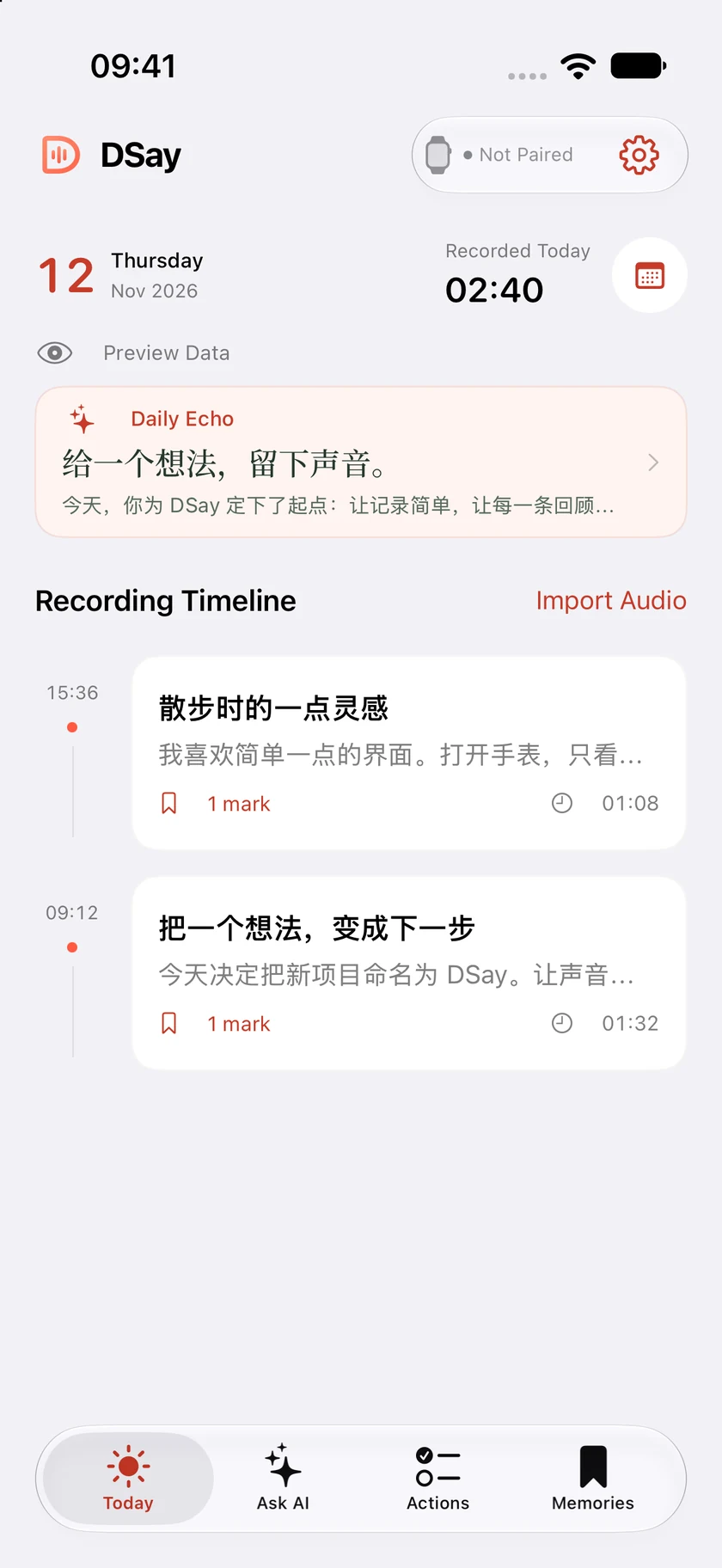
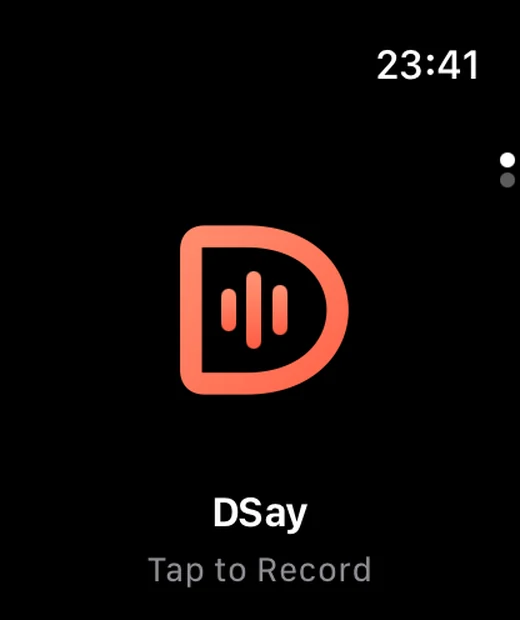
Illustrative screens · Availability depends on your device and version
LIFE HAPPENS. SO DO GOOD IDEAS.
A passing thought. A lasting possibility.
A walk. A conversation. An idea out of nowhere. DSay keeps the sound on your wrist and the reflection on your phone, so you can stay in the moment.
APPLE WATCH
A little tap. A lot to keep.
No reaching for your phone. No interrupting your train of thought. One simple mark is where it begins.
TapStart recording
Tap againMark a moment
Hold 1 secondStop and save
Record on Watch. Resume syncing to your paired iPhone when the connection returns.
FROM SOUND. TO THOUGHT. TO WHAT’S NEXT.
Every recording has more to say.
01
Hear it. See it.
Turn audio into timestamped text on iPhone. Replay the original, jump to a mark, and rediscover the context behind a thought.
TIMESTAMPED TRANSCRIPT···
An idea on a walk
00:12
Good ideas tend to arrive when you least expect them.
00:38
Say it now. Give it some attention when there’s time.
01:06
Next step: spend an evening turning it into a prototype.
INTERACTIVE EXAMPLE · NOT REAL USER DATA
Every insight can lead back to the sound.
BEYOND THE RECORDING
Keep the sound. Find the meaning.
What did we decide to do first?
Build the prototype, then check the experience with real recordings.
From your recording [1]
01
Ask AI. Pick up the thread.
Ask about your own transcripts and memories. Follow cited sources back to the recording behind an answer.
ON CREATIVITY
“Let the idea stay. Then give it room to grow.”
✦Saved as a memory
02
Memories that stay yours.
Save the excerpts you want to return to. Edit, organize, or disable a memory as your perspective changes.
INTERACTIVE EXAMPLE · NOT REAL USER DATA
PRIVATE BY DESIGN
On-device first. Your choice, always.
Your recordings and content primarily stay on your devices. Transcription runs on iPhone by default. External AI is a choice you make, with services you configure.
External AI sends relevant text to your chosen provider. Place-name lookup may use Apple Maps. See the privacy policy for full details.
A few things you might wonder.
Do I need an Apple Watch?+
Everyday recording happens on Apple Watch. Your paired iPhone handles syncing, transcription, and organization. iPhone also supports audio import and a short recording for optional owner-voice enrollment.
Does AI need an internet connection?+
Default transcription runs on your iPhone. Local AI requires supported hardware and system models; you can also configure an external AI service. Model downloads, external AI, and some place-name lookups need a connection.
Can I export and delete recordings?+
You can export audio and text, delete complete recordings, or remove only their audio. Audio-only deletion keeps text and related records. Deleting a Watch copy does not remove an already-synced iPhone copy. Export anything important.
When can I download DSay?+
DSay is not publicly listed yet. An App Store or TestFlight link will appear here when available. You can contact the independent developer at yand@dsay.ai.
Requires a compatible iPhone running iOS 26 or later and Apple Watch running watchOS 10 or later. Local AI availability depends on hardware, system support, and downloaded model resources.